An event driven process chain can help you improve the overall function of your organization. But, how do you start creating one? Here’s an easy to follow tutorial on how to create an event driven process chain.
Event Driven Process Chains Overview
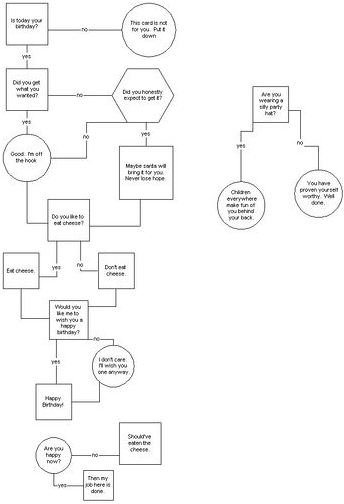
An event driven process chain allows you to view visually the processes used within a business. This information is usually laid out in a flow chart . A flow chart shows how individual modules (data points) connect to other data points. Arrows will point how the modules connect with each other.
The purpose of the event driven process chain is to see where business processes can be improved. It also assists you with enterprise resource planning or ERP . ERP allows you to efficiently manage both internal and external resources , and it allows you to help the flow of information between different departments and those with different duties.
Events and Functions
There are certain elements that must be in every type of event driven process chain. The first one is pretty obvious. You need the event. In the
event driven process chain, these are not active components. Basically, the event is circumstances under which the something works. For example, how a process works would be the event. Or, it could describe the type of state needed for a function to work.
The event is always the central part of the flow chart. Depending on your flow chart, that will either be the middle node or the first node. But, the event must always have a hexagonal shape.
Once the first node is set up, you need to create the path of different nodes. This is the process path, which shows how closely individual data points are related. This is represented by lines and arrows.
The next item is the function. The functions are actually active components of the flow chart. These are the individual tasks that are performed by a team or business. They will have a beginning and ending state. They are represented by round rectangles in the flow chart.
Objects and People’s Duties
There will also be individual objects on your chart. These are regular looking rectangles. The objects reflect items in the real world, and these items can be resources, data or whatever else you wish to represent in your flow chart.
Within a flow chart, you must also define people’s functions. This is known as the organization units, and they are visually represented as elliptical circles that have lines draw through them. You should only name the person’s title and not their actual name.
Other Types of Paths
Next up are logical relationships. The logical relationships shows the relationships between objects that are logically are connected. These can be direct or indirect relationships, and an object may be connected to more than one element. These are similar to paths except they provide more individualized information between elements as opposed to just the general flow of components. They are generally represented by bold lines.
Also, you may see dashed arrow. This represents the control flow, which connects functions and process paths. Other types of paths include the organization unit assignment, which shows which person is responsible for which task, and the information flow which shows the link between data and functions.